Download NexGenVoice Apps
Take your business phone system with you. Log in with your NexGenVoice extension on desktop or mobile and make crystal-clear, encrypted calls from anywhere no extra hardware required. Available now for Windows, macOS & Android, with Linux and iOS on the way.
Get Connected
Choose Your Platform
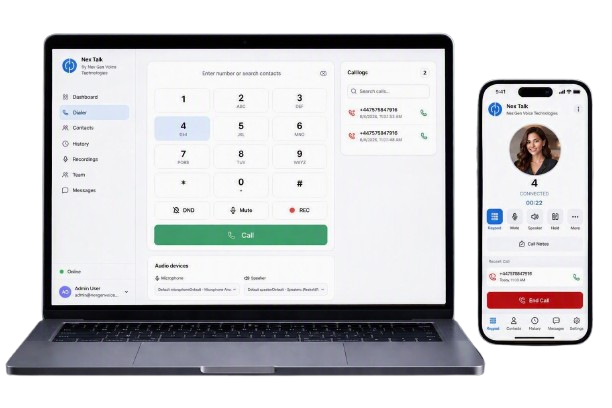
Same NexGenVoice number, same extension, wherever you're working from. Windows, macOS and Android are ready to download today Linux and iOS are coming soon.
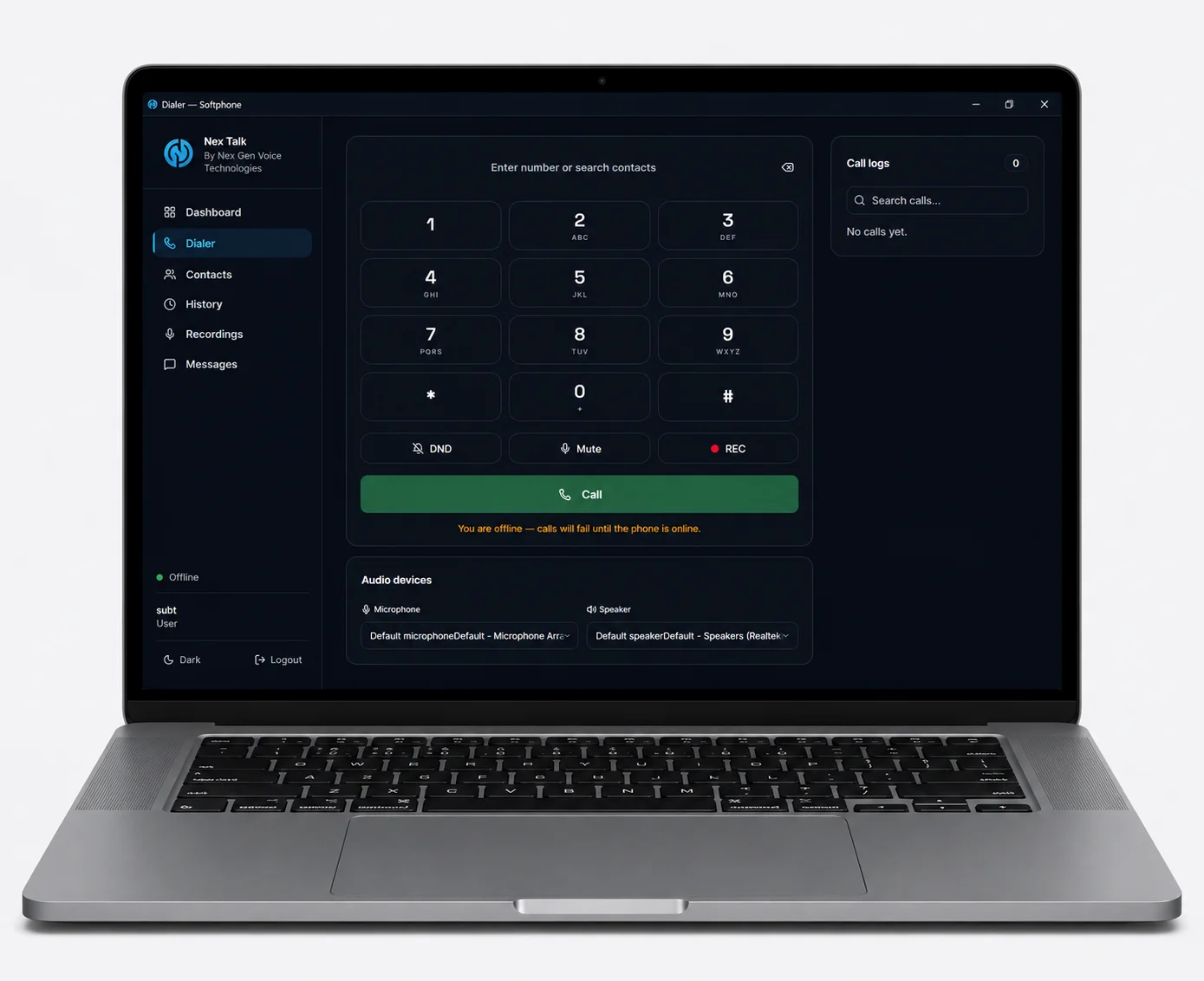
Desktop App
Professional softphone for Windows, macOS & Linux
- HD Voice Quality
- Call Recording
- Transfer & Hold
- CRM Integration
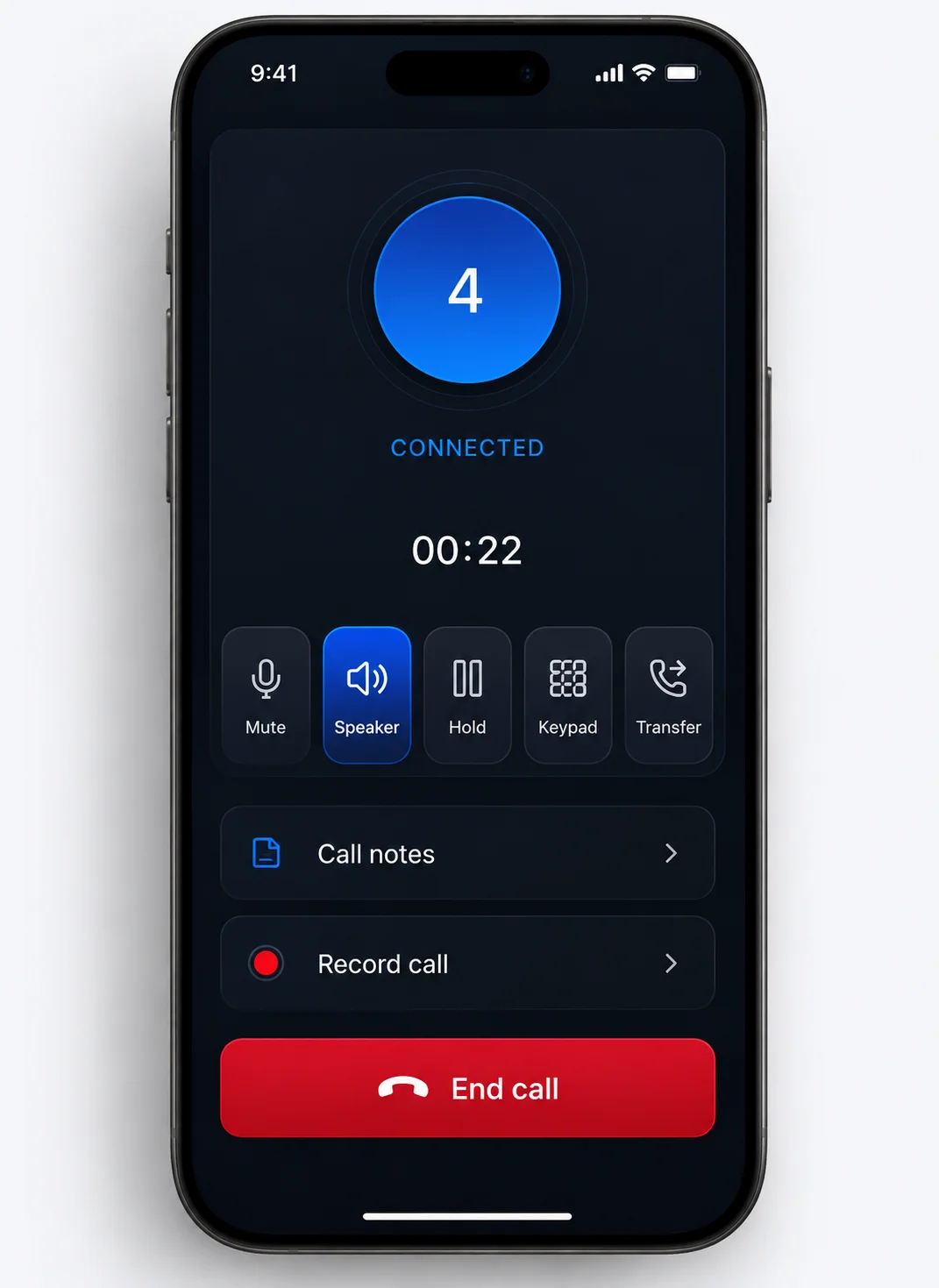
Mobile App
Business calls on the go, on Android & iOS
- Push Notifications
- Contacts Sync
- Voicemail
- Call Recordings
- Low Data Usage
- Dark Mode
App Highlights
Why Choose NexGenVoice Apps?
Everything your team needs to sound professional and stay reachable, built into one lightweight app.
HD Voice
Crystal-clear calls with advanced audio codecs.
Secure Calls
TLS & SRTP encrypted communication end to end.
Fast Login
Sign in with your SIP credentials or a QR code.
Presence
See real-time availability of your whole team.
Call Recording
Easily get your recordigs of all calls.
Push Alerts
Never miss an important call or message.
Quick Start
Up and Running in 3 Steps
No IT team required most users are on their first call within five minutes.
Download the App
Grab the Windows installer or Android APK above. On Android, allow "install from unknown sources" the first time since the app isn't on the Play Store yet.
Install & Open
Run the installer or tap the downloaded APK. The app installs in seconds and launches straight to the login screen.
Log In & Start Calling
Enter your NexGenVoice extension and SIP credentials and you're ready to make and receive calls.
Common Questions
Frequently Asked Questions
Still have questions? Our support team is available 24/7.
Yes. Both the Windows and Android apps are free to download and use with an active NexGenVoice account. There's no separate app fee it's included with your service.
Yes, you'll need an active extension and registered email from your NexGenVoice account.
Yes, a native macOS app is available now choose the macOS (Silicon & Intel), Apple Silicon, or Intel build under the Desktop App section. Linux and iOS apps are in development and launching soon. Until they're released, you can make and receive calls right from your browser at nextalk.nexgenvoice.net, no download required.
The Android app is optimized for low data usage a typical call uses roughly the same data as a standard VoIP call, and the app stays connected in the background using minimal battery and data.
Yes. All calls made through the NexGenVoice apps are protected with TLS signaling encryption and SRTP media encryption, so your conversations stay private.